
Want to run LoRA inference without deploying? Use the Model API instead.
Start here: Choose a LoRA inference API
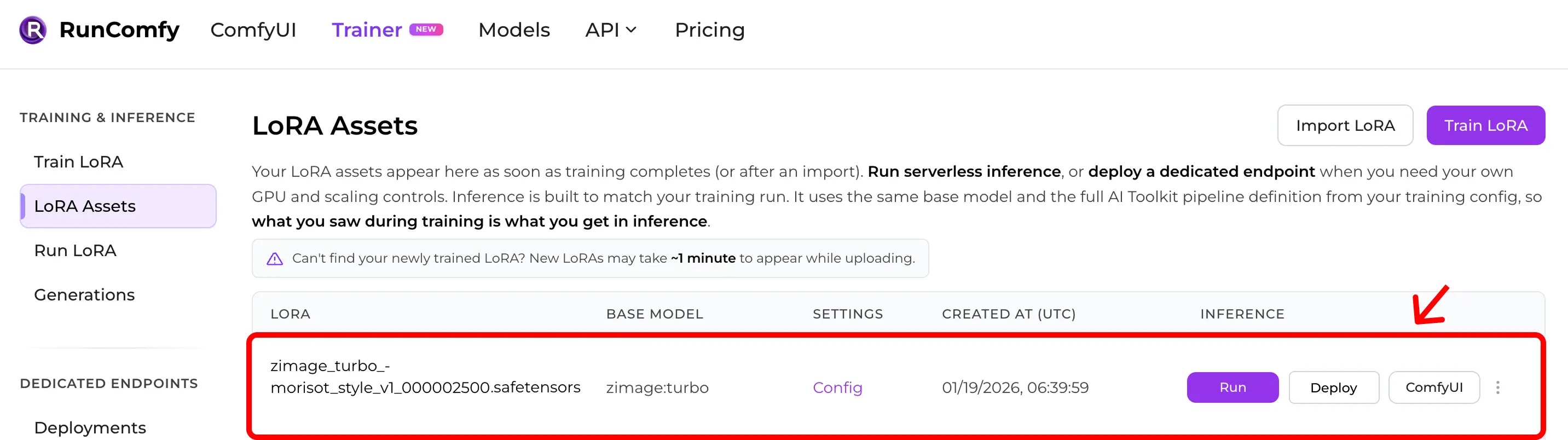
Step 1: Make sure you have a LoRA Asset
A LoRA Asset comes from either:- training in RunComfy Trainer, or
- importing a
.safetensorsLoRA (plus its training config)
Step 2: Create a Deployment
From the LoRA Asset page, click Deploy (or Deploy Endpoint) to create a Deployment.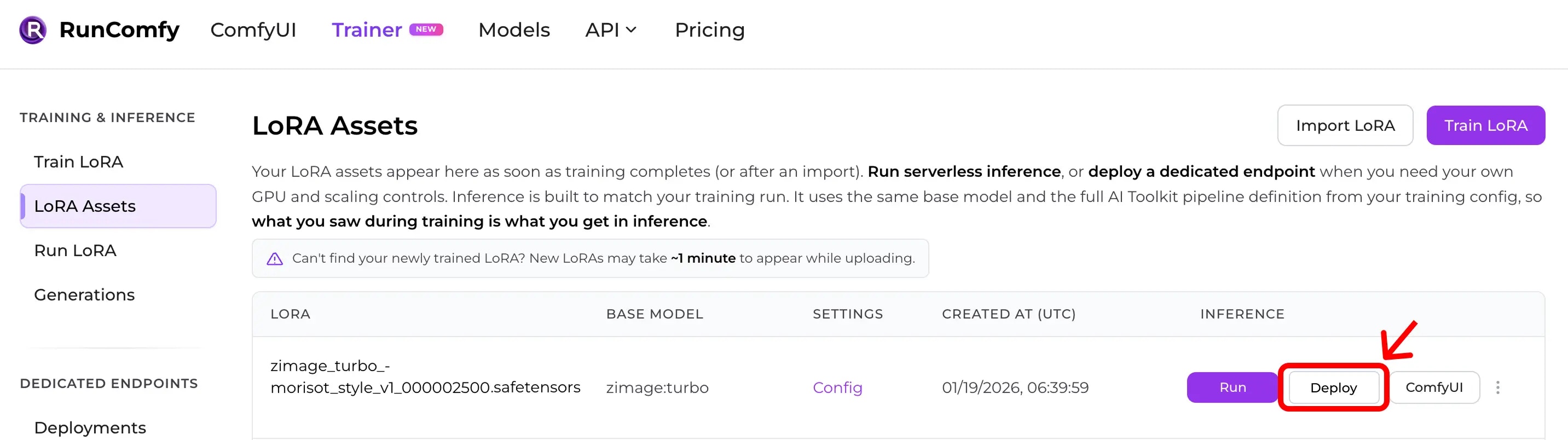
- hardware (GPU tier)
- autoscaling (scale to zero, max instances, keep-warm)
deployment_id from the Deployment details page.
Step 3: Authenticate
All API calls require a Bearer token:Authorization: Bearer <token>
Get your API token from your Profile page.
Step 4: Submit an inference request
The exact request body depends on the pipeline attached to your Deployment.Use the Deployment API tab (or its request schema in the dashboard) as the source of truth.
Step 5: Poll status, then fetch results
Check status:Next steps
- Request lifecycle + file uploads: Async Queue Endpoints
- Deployment settings: Create a Deployment
- Troubleshooting: Error Codes