
Authorization header:
Authorization: Bearer <YOUR_API_KEY>
The same API key works across RunComfy APIs (including Serverless API (ComfyUI), Serverless API (LoRA), and the Model API).
Get an API key
- Sign in to RunComfy.
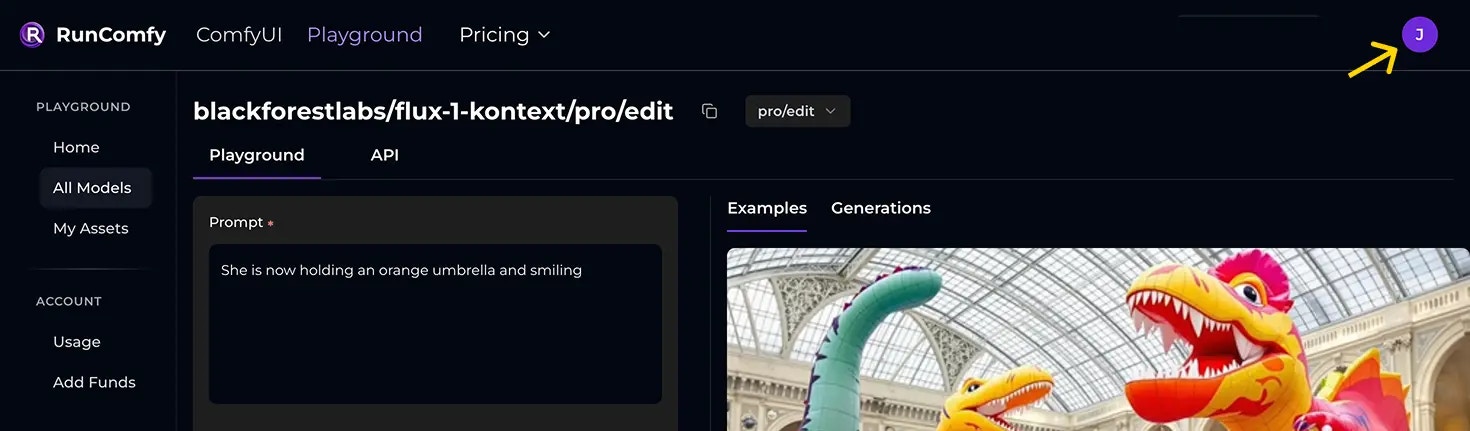
- Click your avatar in the top-right.
- Open Account and find API Token.

Security best practices
- Never expose your API key in client-side environments (browsers, mobile apps, desktop GUIs).
- Route requests through a server-side proxy you control.
- Treat API keys like passwords: rotate if leaked, and limit access to trusted systems.